I built a browser sim of F1's new Rwanda track
F1's African Grand Prix track won't race until 2030, so I built a browser sim of it from the render, the photos and Alex Wurz's interviews.
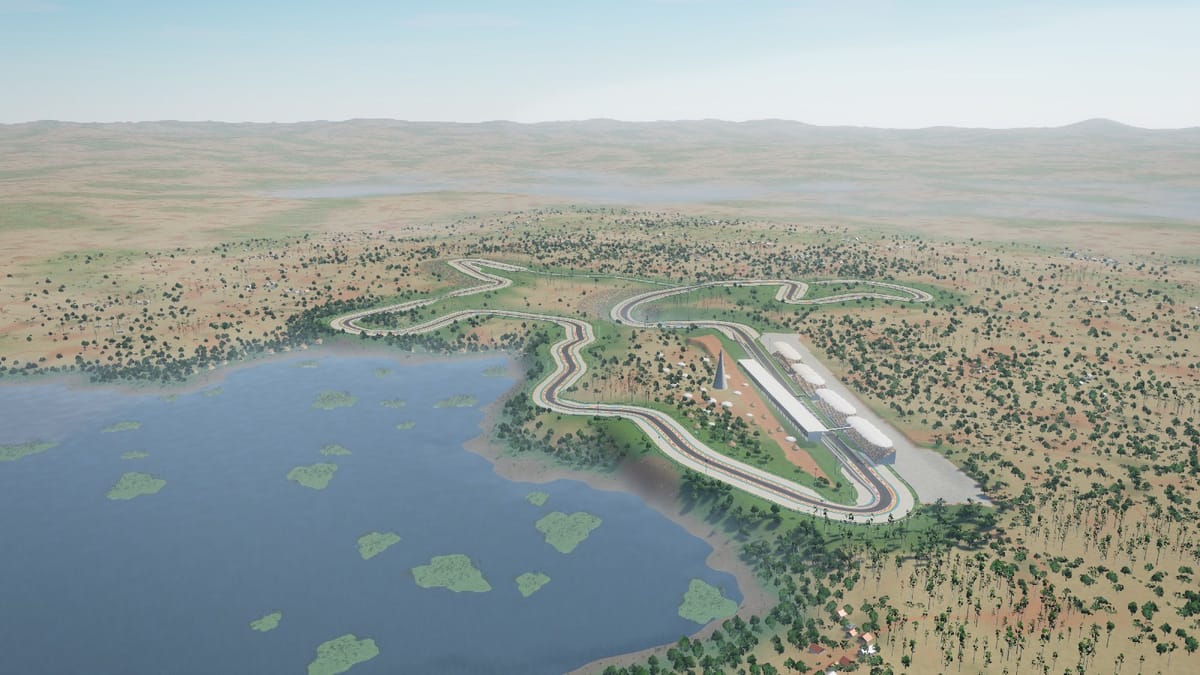
On 13 October 2026 Formula 1 signed a 10-year deal for an African Grand Prix in Rwanda, at a new circuit in Bugesera, about 40 km south of Kigali. The first race is due in 2030 at the earliest. So far all anyone has seen of the track is one render and a few interviews, and I wanted to know what it would be like to drive.
So I gathered what has been published: the render, the photos from the media visit, and what the track designer Alex Wurz and the architect Carsten Tilke told The Race and PlanetF1 about the hills, the banking and the corners. Then I built a sim of it in the browser with Claude Code.
It's a bit of fun to get a feel for the track: 6 km, 17 turns and 197 m of climbing a lap, beside a lake, about 1,400 m above sea level. It isn't a game or a proper sim.
How it works
The layout
There's no official track map yet. Reddit user maxx-usa traced the render into a 2D layout on r/RaceTrackDesigns, which became my starting point. I traced that, scaled it to the published 6 km and straightened the straights.
One of The Race's images is an official render from Tilke, Dar and WurzDesign that draws the lap as a coloured line over the landscape. I fitted a virtual camera so the sim's lap lined up with that line, then projected the line back onto the ground. That moved the lakeside esses by up to 60 m. Across the whole lap the sim now sits within about 4 pixels of the official line.
Hills and banking
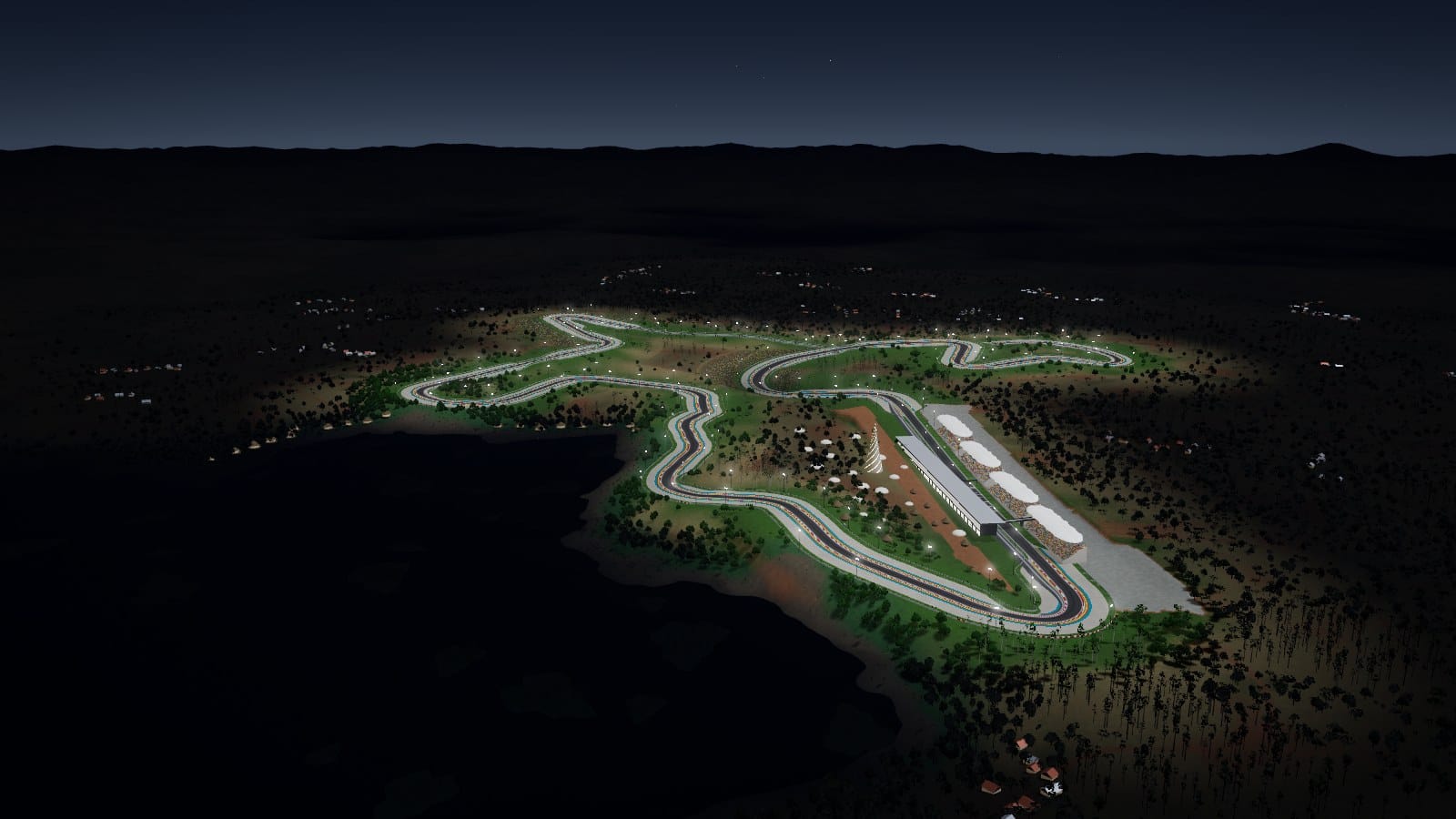
Wurz chose the site because, in his words, it's "two hills with the lake below", so the track follows the ground. The heights run from 1,364 m to 1,415 m, with grades up to 15% and 197 m of climbing a lap. Spa has 102 m.
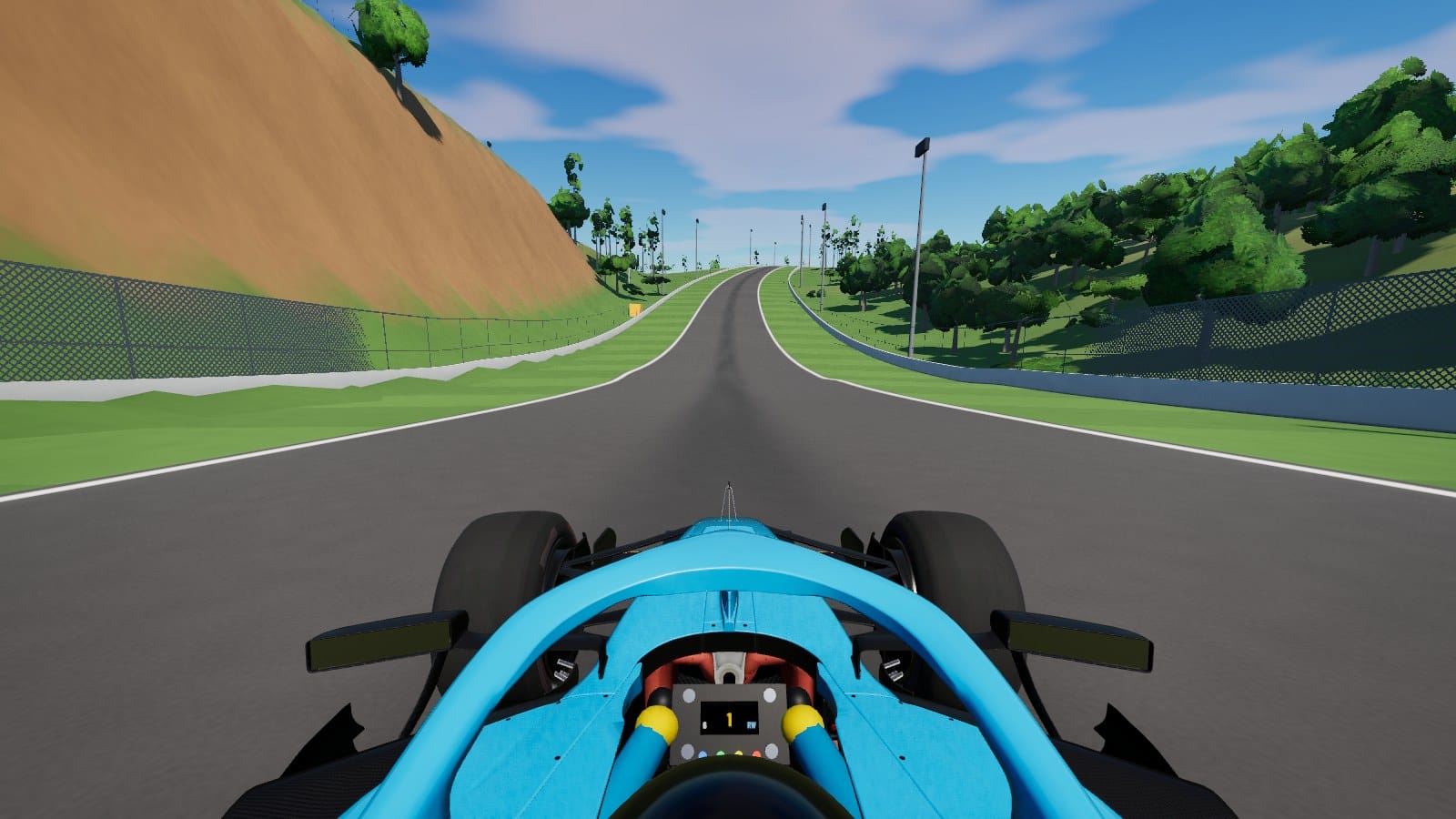
- Turn 2: you arrive at top speed down a 10.8% slope, drop into a compression with 12% banking, then climb at 14 to 15%. The banking eases to 6% and then 4% on the way out.
- The back straight, which the render hides, runs over 1 km downhill into a dip and then climbs at about 12.5% into the heavy braking for the Turn 8 hairpin.
- The canopy corner puts you over a crest towards the lake, then into a 10% compression before the fast esses.
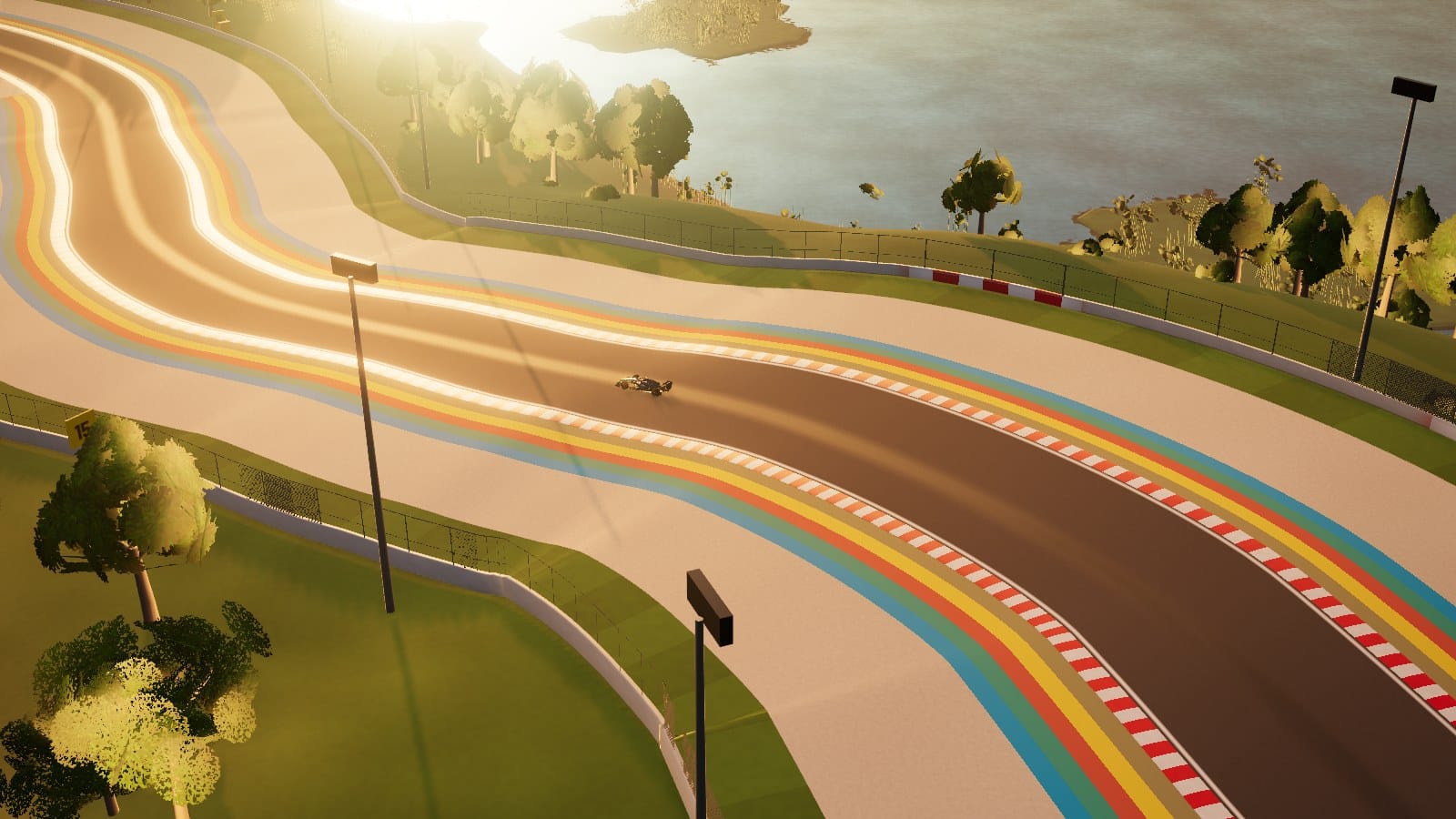
- Banking: Wurz says there are no off-camber corners, and that the extra camber makes up for the downforce lost in the thin air. Every corner in the sim leans the right way, and the top hairpin and the forest corner have over 12%.
Thin air
At about 1,400 m the air is around 15% thinner than at sea level, which cuts both drag and downforce, and the car physics allow for it. On the autopilot's hot lap the 2026 car laps in about 1:40, a 2005 V10 car in 1:35 and a 1967 car with no wings in 2:22. They come from a simple model, so treat them as rough.
Built in code
The 2026 car is a 3D model, "2026 Redbull RB22" by Tyler_Dave, licensed CC BY 4.0. I took the file from AgentiLoop's F1 game. When it loads, the sim removes the livery, sponsor logos, driver name, number and tyre lettering, paints it in its own liveries, and splits the wheels so they steer and spin.
Everything else you see and hear is made by the code when the page loads: the hills, track, trees, crowds, stands, lake, the older cars and all the sound. The engine sound is built from one pulse per cylinder firing, for a V6 turbo hybrid, a V10 and a V8, with a turbo whistle, hybrid whine, tyre and wind noise, a crowd, birds by day and frogs by the lake at night.
It uses three.js with WebGPU, falling back to WebGL 2 on browsers without it. The whole thing is about 4 MB of static files on GitHub Pages, most of it the car model.
What broke, and the fixes
1. Grass on the road
From Turn 1 to Turn 2, and on the back straight, the road disappeared under grass. The distant landscape is a coarse mesh with points 170 m apart, and in a dip its big flat triangles sat above the road. Now every point of that mesh near the circuit sits below the lowest ground around it. To check, one script compares the ground and road heights every 2 m round the lap, and another takes a picture from the car every 100 m in both directions.
2. The steering wheel turned the wrong way
The car and its front wheels turned the right way, but the steering wheel in the cockpit turned the opposite way. A positive rotation about the car's forward axis looks clockwise from the driver's seat, which is a right turn. I flipped the sign and checked all 17 corners.
3. "Ready" wasn't ready
The loader said Ready, then the picture froze for about a second while the browser built the shadows, reflections and lighting effects for the first frames. Now it shows every camera behind the loading screen, prepares the engine sound, and only says Ready once frames run smoothly.
Running it
Open mrsmickers.github.io/rise-motordrome on a laptop or desktop in a recent Chrome, Edge or Safari. Phones work too, with on-screen steering and pedals, but a bigger screen shows the hills better.
- Wait for Ready. The first visit takes up to 20 seconds while it prepares the graphics. When the Drive and Ride a hot lap buttons appear, it's ready.
- Turn the sound on. You hear every gear change and the engine note rise up the hills.
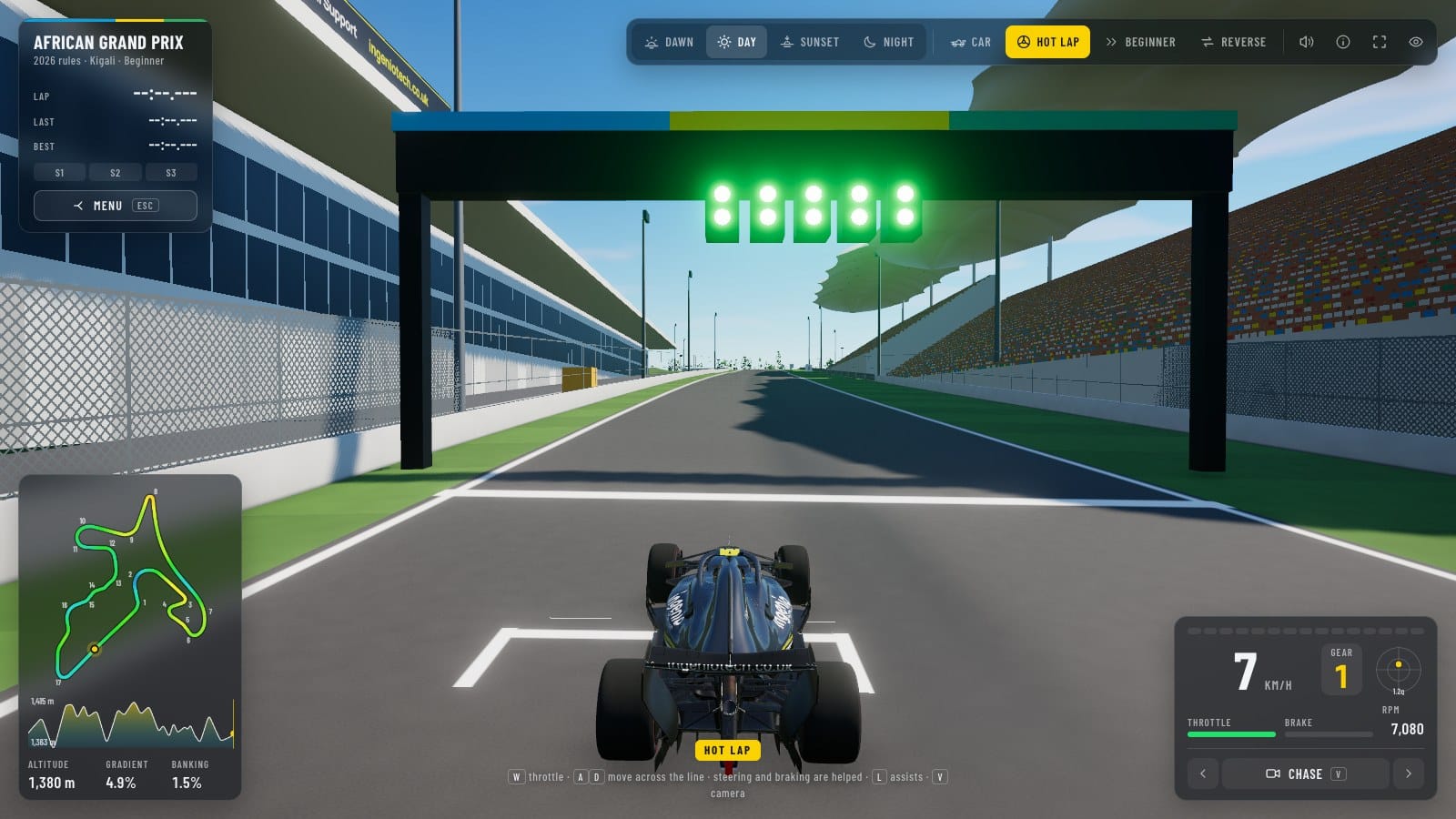
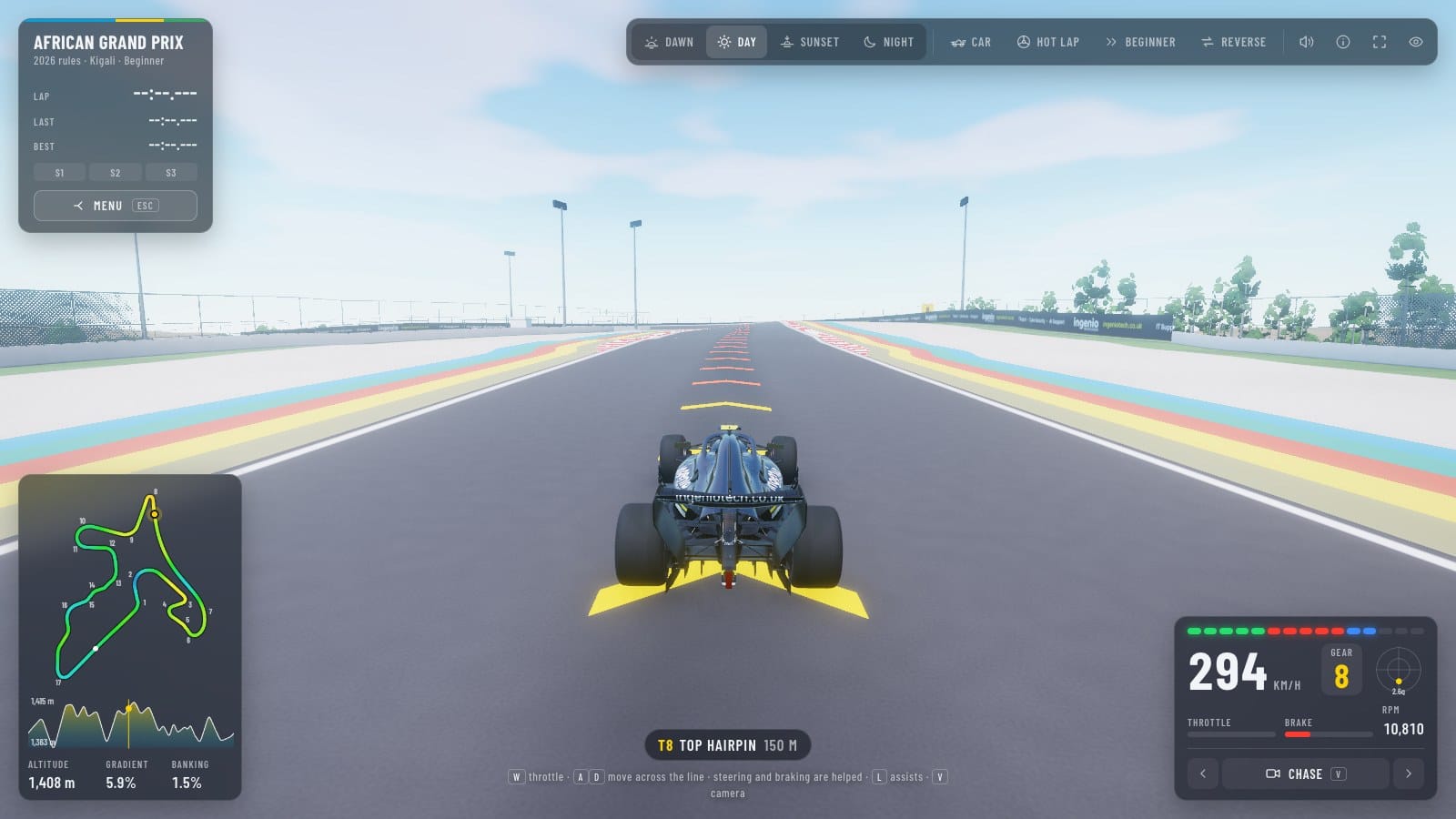
- Ride a hot lap first. You start from pole, with the camera behind the car. A title card shows, then the five red lights on the gantry above the track come on, they all turn green, and the autopilot drives the lap.
- Change the camera with
Vor the arrows in the bottom-right panel. The T-cam and chase cameras show the gradients best; the TV and helicopter cameras show the hills and the lake. - Try the times of day with the buttons at the top: dawn, day, sunset and a floodlit night.
- Drive it yourself. Press Menu, or
Esc, pick an assist level and choose Drive.
Assists
A friend found it hard to drive, so there are three levels of help. You pick one on the title screen, and the toolbar's Assists button or L changes it while you drive.
- Beginner, the default: chevrons along the racing line, and the car steers and brakes for you. Hold
Wand it will get round. Your steering moves you up to 3 m either side of the line, but never off the track. - Intermediate: chevrons only where you need to brake, traction control, a nudge back if you run wide, and the car goes back on the track if you get stuck.
- Advanced: no help.
The chevrons work out your braking point from your speed. They turn yellow where you should lift and red from the point where you need to brake.
The keys, if you want to drive:
Wor↑: throttleS,↓orSpace: brakeAandD, or←and→: steerShift: boostV: next camera, or1to6for chase, T-cam, cockpit, nose, TV and helicopterP: hot lap autopilot on or off. Touch any control to take over.R: back on the trackT: time of dayC: reverse directionL: assist levelN,HandF: sound, HUD and full screenEsc: back to the menu
A gamepad might work, but I haven't tested one: right trigger for throttle, left trigger for brake and the left stick to steer.
The other way round
The official lap runs anticlockwise. Plenty of people in the Reddit thread said the track looks made to run clockwise, so there's a Reverse option on the title screen and in the toolbar, or press C. It has its own racing line, turn numbers and best laps.
Links
- Play: mrsmickers.github.io/rise-motordrome
- Code: github.com/mrsmickers/rise-motordrome
- Car model: "2026 Redbull RB22" by Tyler_Dave, CC BY 4.0, via AgentiLoop/F1
- Sources: The Race, What one image can't show you about Rwanda F1 track and Visiting F1's new Rwanda track; PlanetF1, What we know about the new RISE Motordrome; the r/RaceTrackDesigns thread.
This is version 0.14 beta. RISE Motordrome is only the circuit's interim name, and the layout may still change before it's built.